Ho, Richard
258 Articles
Last 30 days
Last 6 months
Last 12 months
Last 24 months
Specific Dates
From:
To:
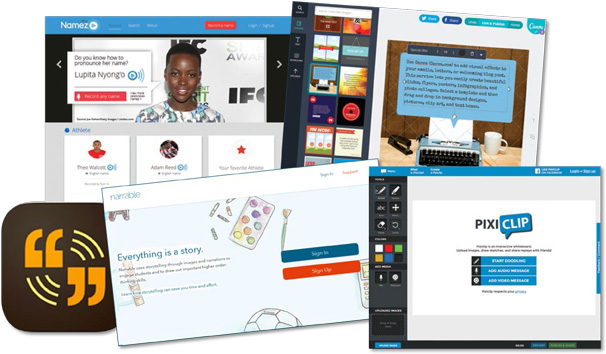
Pleased to Meet You: Web apps for getting to know your students before fall
School’s out. But before we know it, we’ll be thinking about next year. To jazz up your blog and revitalize your summertime communication with parents and students, check out these fine tools.
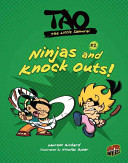
Ninjas and Knock Outs!
Gr 2–5—Tao is a young student training to be a samurai, but clowning around comes more naturally to him...
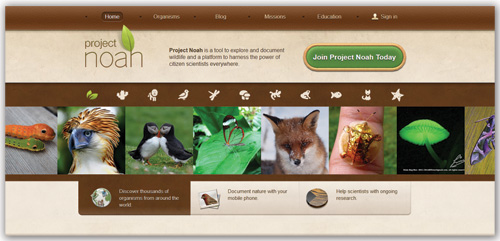
Apps for Outdoor Learning | Cool Tools
With spring in the air, students typically clamor to get outside—and teachers would often like to follow. April is an ideal time of year to explore outdoor learning opportunities, and these apps and sites can lead the way.

Who Broke the Wartime Codes?
Gr 6–10—Using a question-and-answer organizational format, each book begins with an account of a dramatic incident, followed by chapters that ask and answer questions about the subject's background, main events, and historical significance...
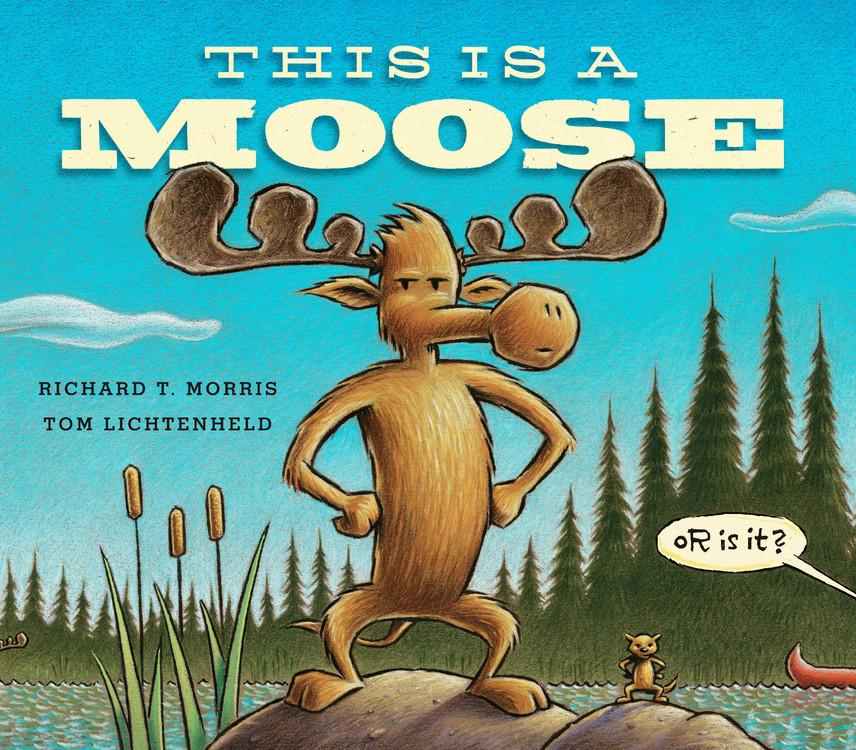
This Is a Moose
K-Gr 2—Moose is the subject of a film, but the director is not happy with his performance...

Cool Ways to Use Google to Inspire Your Students to Create Dynamic Worlds
Here are some practical applications of how teachers and librarians can use Google's Maps and Street View to create lesson plans and assignments on virtual tours of the streets of Paris, or map out some Civil War battles.

Cool Tools for Featuring Student Book Reviews
There's nothing like a book recommendation from a friend. Encourage students to share their opinions by creating a student-driven book review site. Richard Byrne shows you how in the accompanying screencasts.

Animation Made Easy: The best tools for student projects, from stop motion to GIFs
With accessible tools, you and your students can create your own simple animations to convey powerful ideas. Screencast tutorials will have you up and running with the latest "Cool Tools" from Richard Byrne, SLJ columnist and blogger at "Free Technology for Teachers."
ALREADY A SUBSCRIBER? LOG IN
We are currently offering this content for free. Sign up now to activate your personal profile, where you can save articles for future viewing
ALREADY A SUBSCRIBER? LOG IN
Thank you for visiting.
We’ve noticed you are using a private browser. To continue, please log in or create an account.